
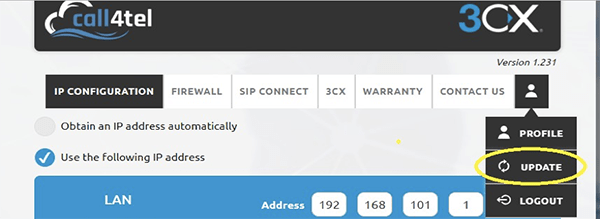
- Click on the avatar menu button below the current version, and select the “UPDATE” option.
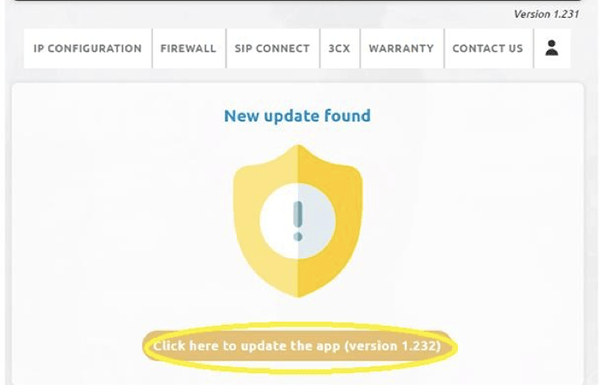
- A window will appear. From here select the “Click here to update the app (version X.XXX)” button.
- Once completed you will be notified that the update was successful.
- Click on the “Continue” button.
- Click on the “Refresh” button.
The version has now been updated.
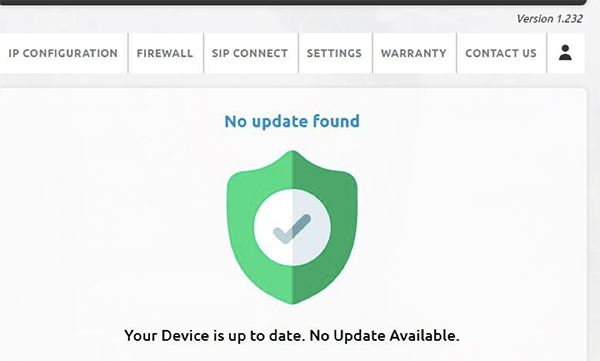
If your device was on a much older version then you need to repeat the steps outlined above until you reach this message when selecting the “Update” option.