Manage your PBX appliance from anywhere from Call4tel’s cloud portal
Running your PBX on an appliance does not entail you need to be in the same building or even on the same LAN to make changes and updates to the device. With Call4tel’s cloud portal you run your PBX on a cloud-server appliance and make changes to the configuration, perform updates and more, remotely. This is especially useful if you are managing multiple appliances in different locations.
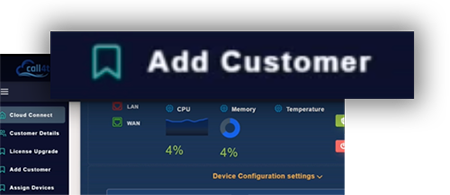
Add customers & assign devices from the cloud portal
The cloud PBX portal allows you to easily add customers and assign devices to them. Everything is located in a modern, intuitive and central dashboard, making managing multiple appliances for various customers a walk in the park.
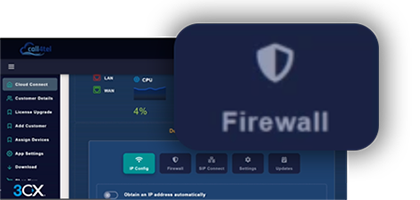
Edit settings and perform upgrades
Edit your device’s settings and perform upgrades from anywhere. You can choose to perform upgrades at a time that’s convenient for you no matter where you are. Change your Firewall settings (add and remove ports), LAN and licenses the same way.
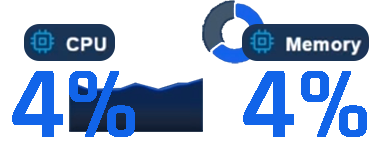
Check your appliances’ vitals
Be proactive and stay on top of any arising issues by checking your PBX appliance’s vitals directly from the cloud portal. You can easily view the CPU, Memory Usage and Temperature and take action when needed.